

How we introduce technology thoughtfully in the classroom, and how we keep learning going — safely and calmly — whenever school moves online.
At our school, we recognize the importance of embedding fundamental skills such as reading, writing, and fine and gross motor skills before introducing children to iPads. In line with the British curriculum, children receive one hour of computing lessons per week. It is only from Year 5 onwards that pupils use their own iPads as a learning tool.
We ensure that teachers remotely monitor pupils' iPads to keep them on task and are very mindful of screen time limits — balancing the benefits of technology with the essential development of basic skills in the early years.
The use of smart watches and mobile phones is not allowed in school unless there is a medical reason for this. This policy is in place to minimize distractions, prevent cheating during exams, and promote face-to-face interactions among students.
In secondary, students' electronic devices are handed in as soon as they walk into school and are returned to them as they leave the premises at home time.
At the British School of Tenerife, iPads are managed by our IT department, which handles the installation of all necessary applications for teaching, ensuring their proper use and protecting students from online threats.
Parents can purchase iPads through our vendor's website by following the provided guidance. Once purchased, the supplier ships the iPad to the school, where it is configured by our IT department before being delivered to the student.
We also hold e-safety parental workshops to equip parents with the basic skills needed to ensure secure and controlled use of these devices at home.
In addition to iPads, some of our classrooms are equipped with digital boards and traditional whiteboards, enhancing the learning experience. We also use other devices, such as Bee-Bots, to introduce coding and help pupils develop spatial awareness. This comprehensive approach ensures that technology is integrated thoughtfully and safely into our students' education.
How we keep pupils learning, connected and safe whenever school moves online.
We are prepared to move to online learning whenever we receive an official notification from the Canarian Department of Education, due to adverse weather conditions or other circumstances. Our online learning takes place through Microsoft Teams, our main digital platform.
Upper Primary & Secondary — we follow the regular timetable as closely as possible while ensuring pupils have appropriate off-screen time, movement breaks, and opportunities to look after their well-being. Whenever feasible, we provide paper handouts and offline tasks, especially for younger pupils.
Early Years & Lower Primary — online sessions focus on connection, storytelling, and clear instructions, ensuring every child feels supported and safe. These sessions are intentionally shorter and designed to maintain routines and emotional security. Safety always comes first.
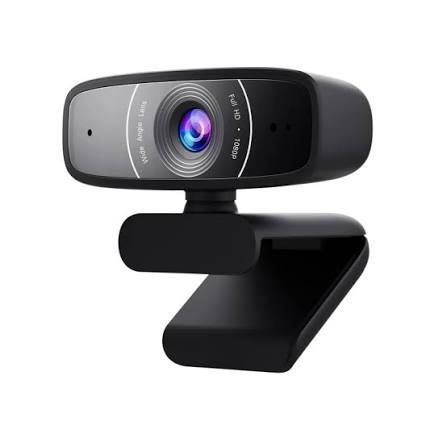
When a pupil is unable to attend school for an extended period due to medical reasons, we adapt the classroom environment so they can participate online. This may include setting up a webcam, microphone, or other equipment to ensure continuity of learning and meaningful interaction with their peers.
Our IT Department is available throughout the school day to assist with any technical issues that may arise, and we consistently remind pupils about online safety to help them keep themselves and others safe during remote learning.
We hold annual parent workshops to share best practice, address concerns, and continue improving the online learning experience for our community.